

Picture trouble is almost always mechanical. Instead of changing five things at once, test the parts you control first, starting at the wall socket and working outward. By the time you reach the service, you will know whether it deserves the blame.
Three questions to answer first
Does it follow one title?
If only one video looks rough, the file is the likely cause.
Does it follow one device?
A fault on one screen only points at that hardware.
Does it follow the clock?
Trouble every evening usually means network traffic.
1The home network: buffering and pictures that sharpen, then blur
Players keep several quality versions of each video and switch between them as your connection rises and dips. That is why a stream can look crisp, then mushy, with no setting changed. Weak Wi-Fi, thick walls and a router hidden in a cabinet are the usual suspects.
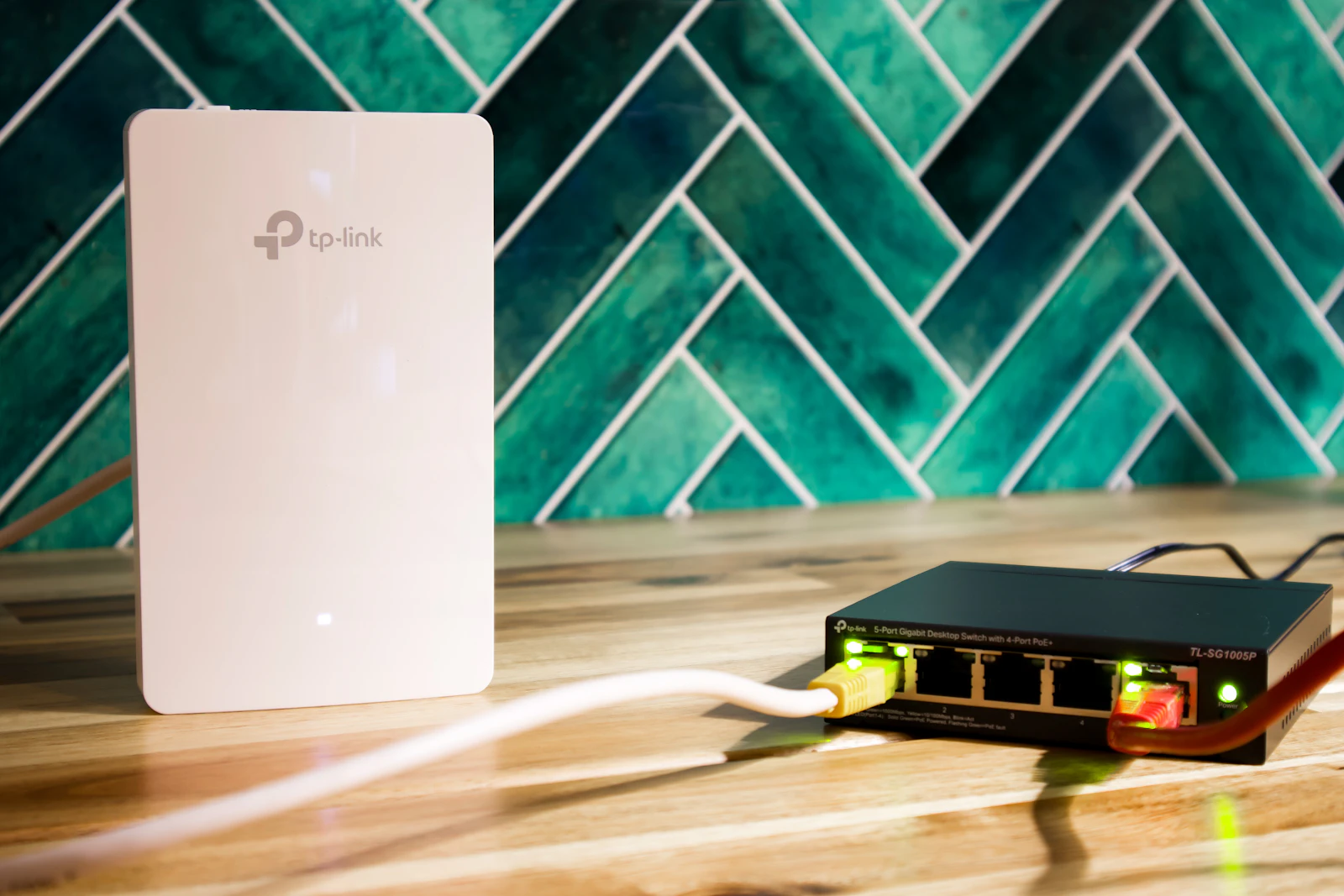
Try this: use an Ethernet cable for one evening. If the problem goes away, you have found your stage.
2The device: stutter, skipped frames and a warm laptop
Each frame is rebuilt on your hardware. Without a decoder chip for the video format, older devices fall behind and drop frames. Heat, open tabs and background apps make it worse.
Try this: restart, close other apps, update and drop the resolution one step.

3Settings, then the service itself
Open the player's quality menu first. Data-saving modes and automatic settings often cause softness by choice, and a vivid TV picture mode can exaggerate banding in dark scenes. Updating the App and device firmware fixes many playback bugs.
If a wired connection, a capable device and sensible settings still give waxy faces, the limit sits upstream. A starved 4K stream can look worse than a well-made HD one, and price is a weak guide to quality. Play titles you would really watch on your usual screen.
Where the linked membership fits in
This page links to a separate, paid membership run by its own provider. Check its formats, supported devices and any preview before paying. Prices, renewal, cancellation and privacy choices are set by the provider, so read them on its site.